

Unitex standalone LTO solutions
Professional LTO storage – simple, direct and flexible.
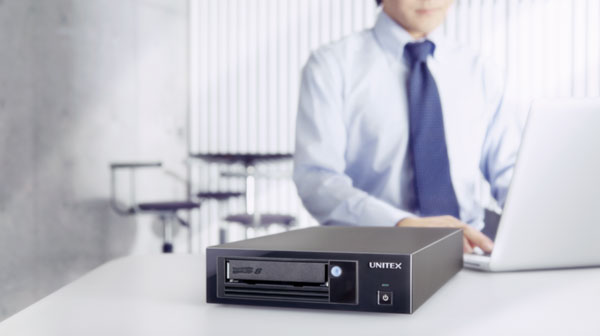
UNITEX combines professional LTO tape technology with USB and USB/SAS connectivity, making standalone LTO drives easy to integrate with workstations, servers and selected NAS environments.
Together with UNITEX software, these systems provide a practical platform for data transfer, backup, offline storage and long-term archiving – without the need for a traditional tape library infrastructure.
This Arkicon page focuses exclusively on current LTO-8 and LTO-9 standalone solutions and the relevant UNITEX applications.
ON this page:
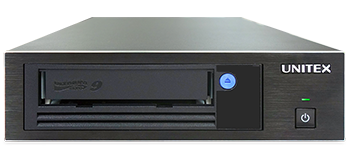
Standalone LTO drives
USB 2 LTO connection to a workstation, server or NAS
Unitex LTFS
An original LTFS-based file system designed for secure, easy archiving
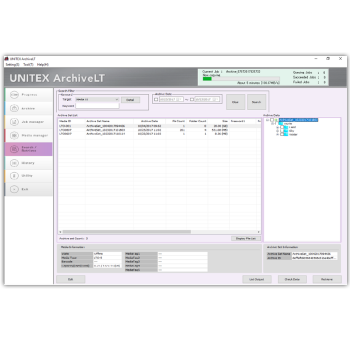
ArchiveLT (Win)
Software for archiving, retrieving and managing data on LTO
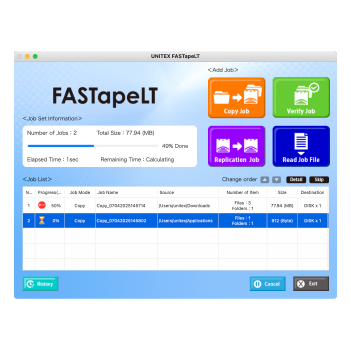
FASTapeLT (Mac)
High-speed copying of large data volumes to LTO
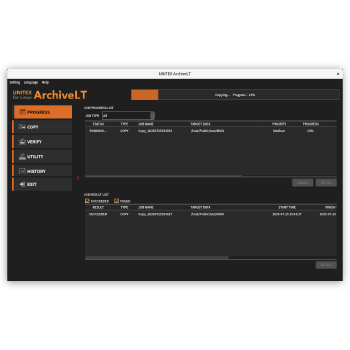
ArchiveLT (Linux/QNAP)
USB-LTO workflows for Linux, QNAP and Archiware P5
WHY UNITEX
6 good reasons to trust UNITEX:
USB connectivity
UNITEX makes LTO accessible through USB 3.0, allowing a standalone tape drive to be connected directly to compatible systems without requiring a dedicated SAS HBA.
USB / SAS flexibility
Hybrid models combine USB 3.0 with SAS connectivity. This allows the same basic LTO concept to be used in straightforward workstation environments as well as traditional server/storage infrastructures.
LTO-8 and LTO-9
Current Arkicon coverage focuses on LTO-8 with 12 TB native capacity and LTO-9 with 18 TB native capacity per cartridge.
LTFS-based Workflows
UNITEX provides its own LTFS technology and applications for file-oriented access to LTO media, making tape easier to use for archive and data-transfer workflows.
Windows, macOS, LINUX & QNAP
UNITEX provides dedicated application options for different operating environments. The exact software package depends on platform and required workflow.
Offline data protection
After data has been written, an LTO cartridge can be removed and stored offline. This creates a physically separated data copy that can form part of an air-gap and cyber-resilience strategy.
What differentiates UNITEX?
LTO without unnecessary complexity
UNITEX brings professional LTO technology toenvironments where a traditional tape infrastructure may be unnecessarilycomplex
The combination of standalone LTO-8/LTO-9 drives, USB connectivity and dedicated applications makes the concept particularly useful where users want direct control over their archive workflow.
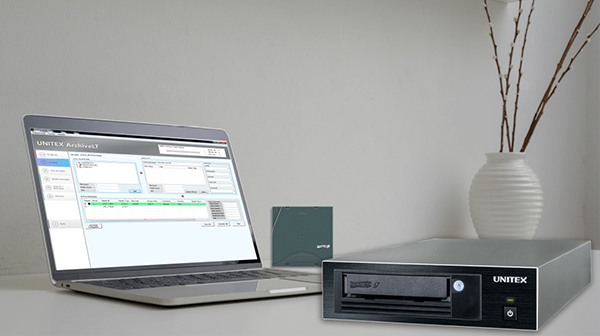
Ideal for workstations, servers and selected NAS
UNITEX is therefore not positioned as a replacement for an automated tape library. It addresses a different requirement: straight forward access to professional LTO storage without automation.
Key characteristics include:
- Direct USB access to professional LTO technology
- USB/SAS hybrid options
- LTO-8 and LTO-9
- Dedicated Windows, macOS, Linux and QNAP applications
- LTFS-based file workflows
- Verification and archive-management functions
- Easy creation of removable offline copies
- Suitable for individual workstations, servers and selected NAS environments
Unitex Hardware

Unitex Standalone LTO drives
The LT90H / LT80H2 are the current high-capacity UNITEX standalone platforms.
Datasheet Contact SalesUnitex LT90H
- 18 TB native / 45 TB compressed capacity per cartridge
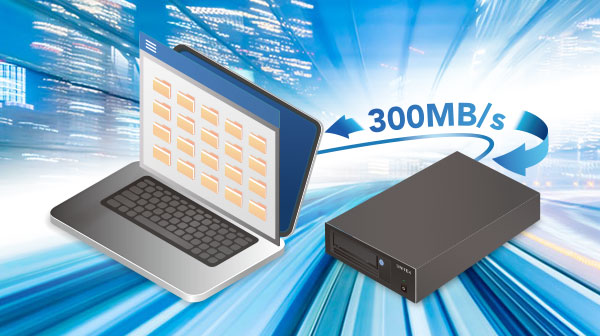
- Transfer up to 300 MB/s via USB 3.0
- LTO-9 and LTO-8 media read/write support on the current LT90H platform
- USB and USB/SAS configurations depending on model
- Software packages available for Windows, macOS, Linux and QNAP workflows
Typical use:
USB / SAS LTO-9 drive is particularly useful where a simple direct connection to a workstation, server or compatible NAS environment is preferred.
Unitex LT80H2
- 12 TB native / 30 TB compressed capacity per cartridge
- Transfer up to 300 MB/s via USB 3.0
- LTO-8 and LTO-7 media read/write support on the current LT80H2 platform
- USB and USB/SAS configurations depending on model
- Software packages available for Windows, macOS, Linux and QNAP workflows
Typical use:
UNITEX also provides LTO-8 standalone solutions for environments where 12 TB native cartridge capacity is sufficient or where LTO-8 is required for an existing workflow.
Unitex Software
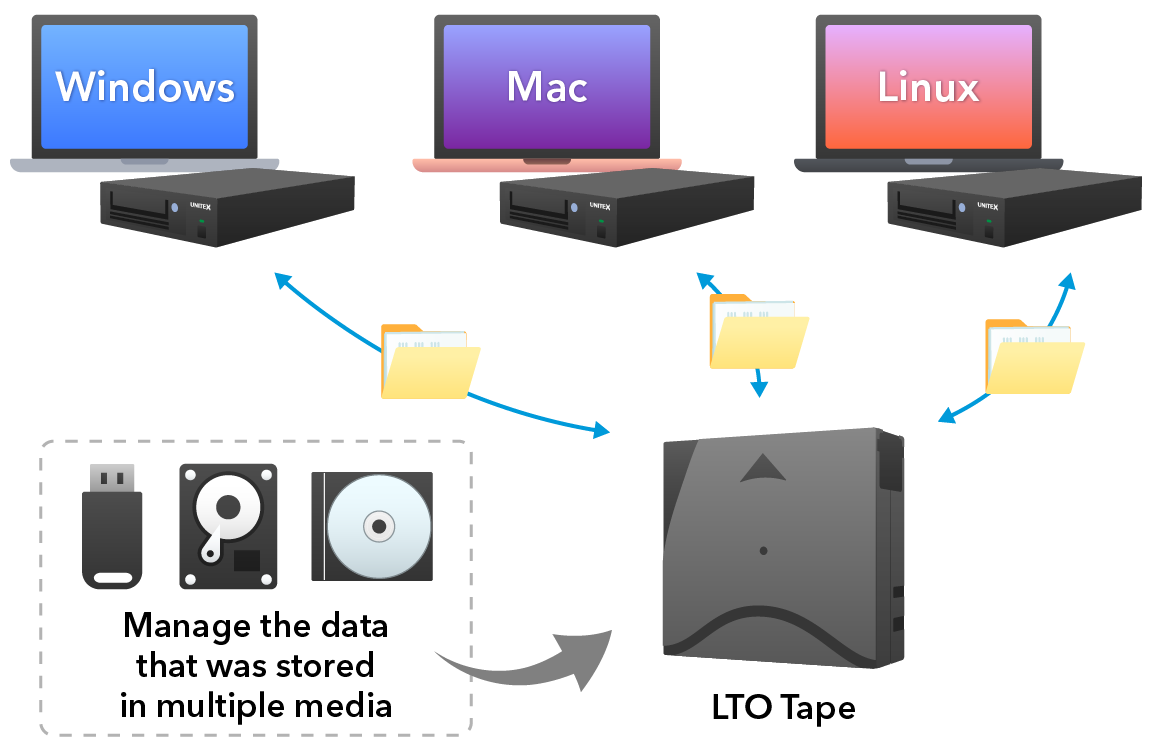
Unitex LTFS
An original LTFS-based file system designed for secure, easy archiving of large-scale data with long-term OS support.
Details Contact SalesLTFS allows LTO tape to be used in a file-oriented way. Files can be stored and retrieved through familiar file-system workflows rather than only through a traditional backup application.
UNITEX provides its own LTFS implementation and integrates this technology into its current archive and copy applications. The concept is designed to make LTO easier to use across Windows, macOS and Linux environments.
Typical use:
Easy copy from disk to tape per drag-and drop, systems without traditional backup application.
Unitex ArchiveLT for Windows
ArchiveLT is UNITEX software for archiving, retrieving and managing data on LTO and other supported storage media.
Details Contact Sales- High-speed archive and retrieval
- Copy / archive with verification
- Offline management of archived data
- Searchable archive information and metadata
- Job history management
- LTFS integration
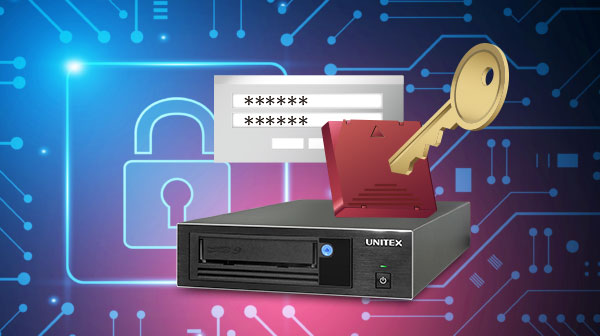
- Encryption options
Typical use:
- Archiving large amounts of various data such as video data and surveillance camera data
- Off-line management for LTO data assets
- Countermeasure for Ransomware
Unitex FASTapeLT for Mac
FASTapeLT is designed for straightforward high-speed copying of large data volumes to LTO in macOS environments.
Details Contact Sales- Integrated UNITEX LTFS
- High-speed copy to LTO
- Automatic verification
- Job history management
- LTO replication
- Simultaneous copying to multiple destinations /media
- LTFS encryption support
- Current macOS support
Typical use:
This makes FASTapeLT particularly relevant for media, creative and content-production environments that use Mac workstations and need a simple path to LTO.
Unitex ArchiveLT for Linux / QNAP
Fast copying and verification on LTO under Linux, and simplified and secure data storage through QNAP NAS integration
Details Contact SalesThe software combines UNITEX LTFS with functions for high-speed copying, verification, scheduled execution and management of larger data volumes on Linux machines.
For QNAP environments, this provides a direct NAS-to-LTO concept: data stored on a compatible NAS system can be transferred to LTO for offline retention and long-term archiving.
It is deployed as a Linux container, offers core functionalities and enables flexible deployment on various devices, including NAS.
Its implementation has minimal impact on the operating system and enables LTO data to be stored in LTFS format across various environments (RHEL, AlmaLinux OS, Rocky Linux, etc.).
It is operated via a graphical user interface (GUI) or a command line (CUI).
Simple LTO workflow
From online data to offline archive
A UNITEX standalone workflow can be explained in five simple steps:
⤷ 01
Conect
Connect workstation, server or NAS via USB 3.0 or SAS

⤷ 02
Select
Select files / folders on your device
⤷ 03
Archive
Write and verify to LTO
⤷ 04
Secure
Eject and remove the cartridge
⤷ 05
Store
Keep your data safe - offline or off-site
Typical applications
Workstation to tape
Archive or transfer large data volumes directly from a workstation to LTO.
Server to tape
Use USB/SAS standalone LTO as a compact backup or archive target for server environments.
NAS to tape
Move selected NAS data to removable LTO media for offline retention and long-term archiving.
Media & content archive
Store video, audio, images and project data on removable high-capacity media.
Research & technical data
Retain large research, measurement, engineering or project datasets without keeping all data permanently online.
AirGap / Offline backup
Create a removable data copy that can be physically separated from the production environment.
Find the right UNITEX Combination
The appropriate combination depends on operating system, data volume, required interface, archive workflow and retention strategy.
For current specifications and software compatibility, always refer to the latest UNITEX information.
LTO-9
For higher capacity and current standalone LTO deployments.
LTO-8
For environments where LTO-8 capacity or compatibility is the appropriate choice.
ArchiveLT for Windows
Archive, retrieval, offline management and automated workflows.
FASTapeLT for Mac
Simple high-speed LTO copy and verification formacOS.
ArchiveLT for Linux / QNAP
LTO workflows for Linux systems and compatible QNAP NAS environments.
Why Arkicon

Information, Experience and Technology understanding
Arkicon's role is not to present one technologyas the answer to every storage requirement. We help customers and partners understand the differences between SAN, NAS, DAS, LTO and data management software and how these technologies can be used together.
Our background combines:
- Experience with storage, backup and archiving technologies
- Knowledge of LTO drives and automated tape libraries
- Understanding of SAN, NAS and DAS environments
- Fluency with backup and archive software
- Multi-vendor solution knowledge
- Project-specific technical and commercial support